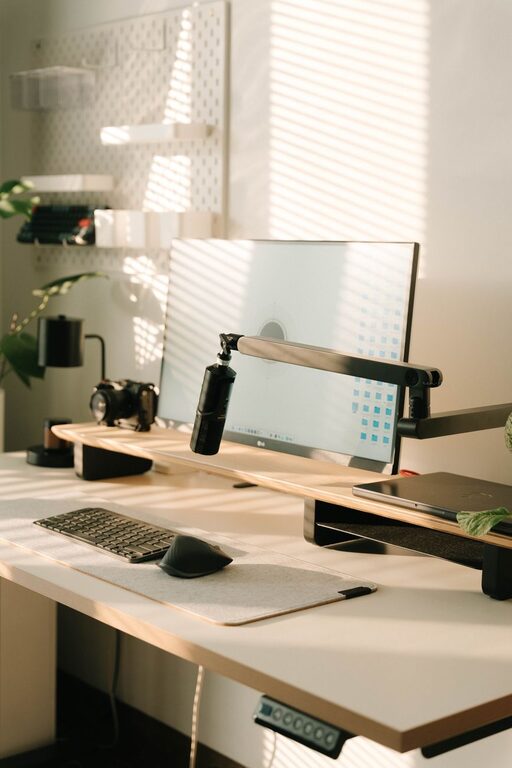
Setting up a home office that encourages focus and efficiency can make a significant difference in your work-from-home experience. Whether you’re new to remote work or looking to upgrade your current space, this guide offers practical tips to help you create a productive home office setup.
Choose the Right Location
The foundation of a productive home office begins with selecting the best spot. Ideally, this space should be quiet, well-lit, and free from distractions.
– Pick a dedicated area: Even a small nook or corner can work, as long as it’s separate from places associated with relaxation or household chores.
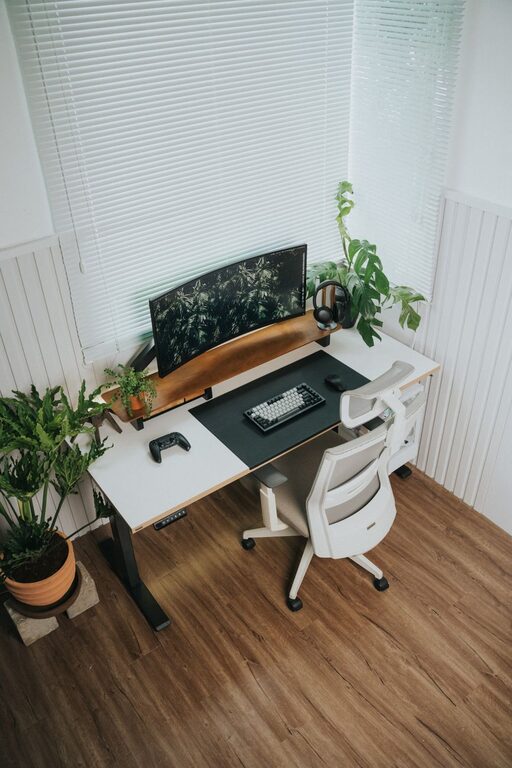
– Consider natural light: Position your desk near a window when possible. Natural light helps reduce eye strain and enhances mood.
– Limit noise: Avoid rooms close to busy household areas or consider using noise-canceling headphones if background noise is unavoidable.
Invest in an Ergonomic Chair and Desk
Comfort is key when spending long hours at your desk. A good chair and desk setup can prevent strain and boost your focus.
– Ergonomic chair: Look for adjustable chairs that support your lower back and promote good posture.
– Desk height: Your desk should allow your forearms to rest parallel to the floor and your feet flat on the ground.
– Standing options: If possible, use a sit-stand desk or add a standing desk converter to alternate positions during the day.
Organize Your Workspace
Keeping your desk tidy helps reduce distractions and improves efficiency.
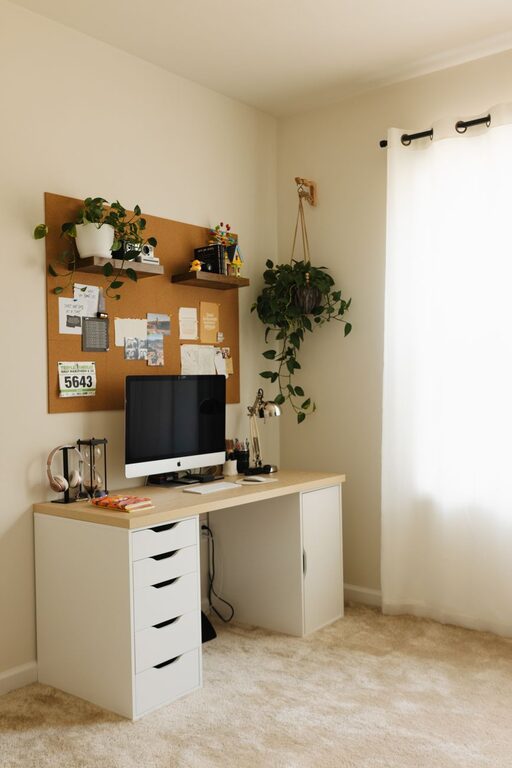
– Use storage solutions: Shelves, drawers, and organizers keep supplies handy but out of the way.
– Declutter regularly: Set aside a few minutes at the end of each day to tidy up.
– Limit personal items: A few meaningful decorations are fine, but too many can clutter your space and mind.
Optimize Your Technology
Reliable technology is essential for smooth remote work.
– Quality internet: Ensure your internet connection is fast and stable.
– Adequate hardware: Use a computer and peripherals that meet your work demands, such as an external monitor, keyboard, and mouse.
– Backup power: Consider an uninterruptible power supply (UPS) for important devices in case of outages.
Manage Lighting and Ambience
Good lighting reduces eye strain and sets a positive tone.
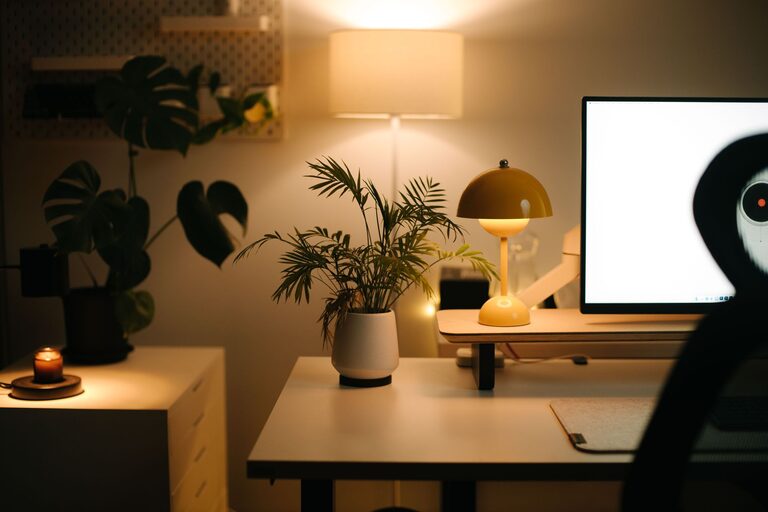
– Layer your lighting: Combine overhead lights with task lighting like desk lamps.
– Adjust screen brightness: Match your monitor brightness to the ambient light to avoid eye fatigue.
– Consider color temperature: Warmer light is relaxing; cooler light helps you stay alert.
Create a Functional Layout
Arrange your office to promote efficiency and ease of movement.
– Keep essentials close: Place frequently used items within arm’s reach.
– Manage cables: Use cable organizers or clips to keep cords neat.
– Allow for flexibility: Keep space for note-taking, movement, or additional equipment if needed.
Establish Boundaries and Routine
Your setup isn’t just physical—it’s also about how you use the space.
– Set working hours: Decide on consistent start and end times.
– Separate work and personal life: Use your home office only for work to create a mental boundary.
– Take breaks: Schedule regular short pauses to rest your eyes and stretch.
Personalize Thoughtfully
Adding personal touches can make your workspace inviting and motivating.
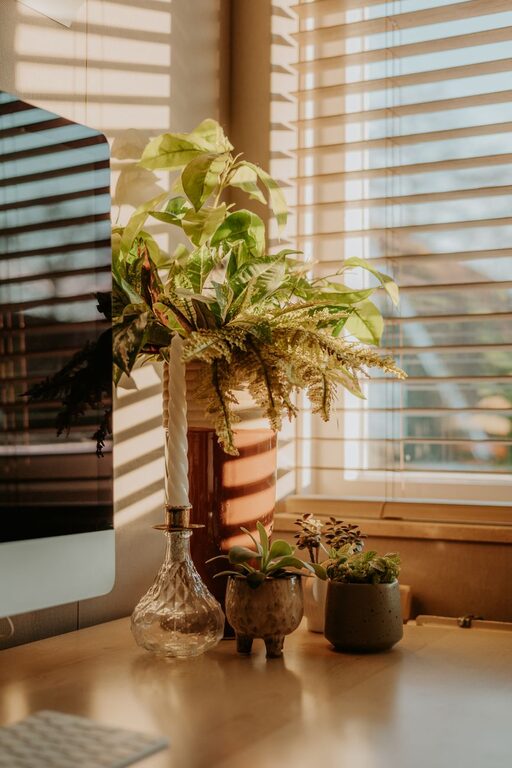
– Add greenery: Indoor plants improve air quality and bring life to your office.
– Display inspiring items: Photos, quotes, or art can boost your mood but keep it minimal.
– Balance comfort and professionalism: Ensure your workspace feels good without becoming distracting.
Keep Your Workspace Clean and Fresh
A clean environment supports clear thinking.
– Regular cleaning: Wipe surfaces and vacuum to keep dust and allergens away.
– Ventilation: Open windows or use an air purifier to maintain fresh air.
– Control odors: Avoid strong scents that could be distracting or bothersome.
—
Creating a productive home office takes time and thoughtful planning. By following these tips, you can design a space that supports your work habits and promotes comfort, focus, and well-being. Start small, make adjustments as needed, and enjoy the benefits of a work-friendly environment right at home.