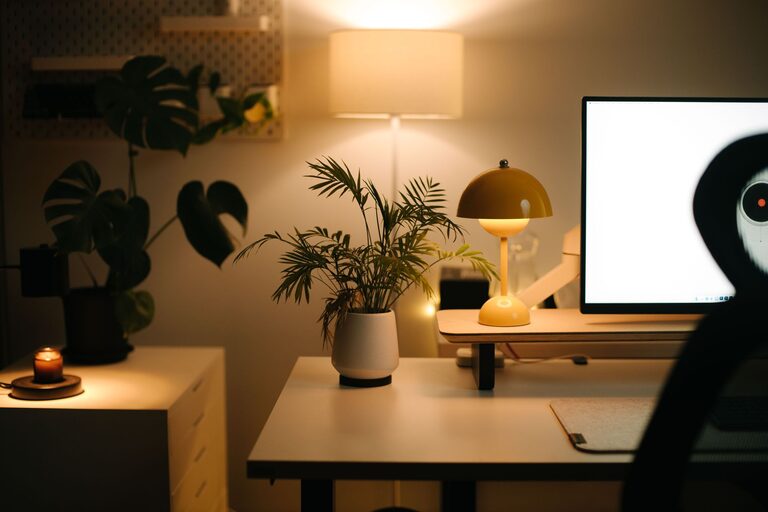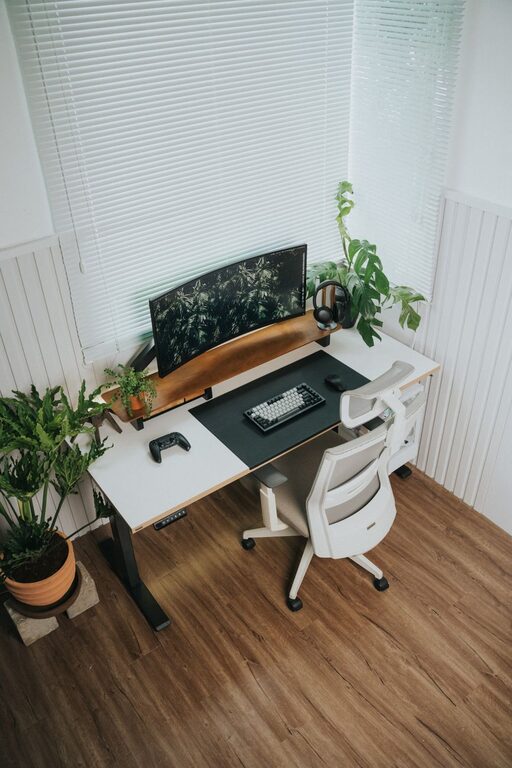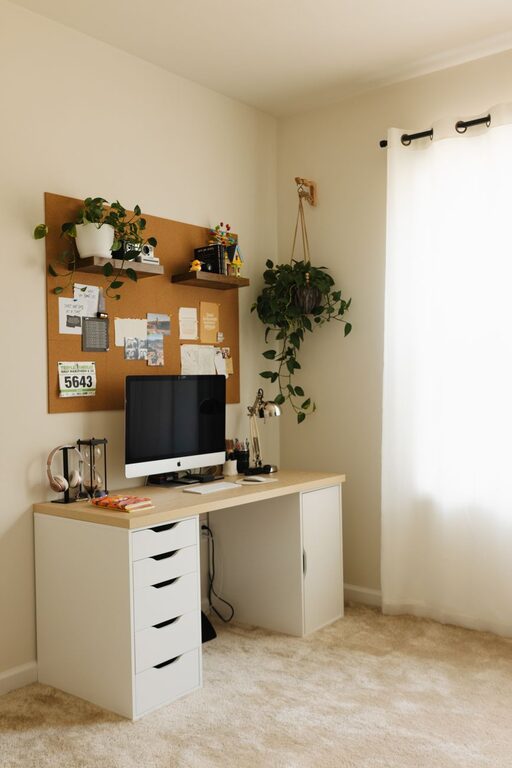

Creating a cozy and inviting home workspace has become essential for many people working remotely or managing tasks from home. A well-designed workspace can improve focus, reduce stress, and make work feel more enjoyable. Whether you have a dedicated room or a small corner, there are simple ways to transform your area into a comfortable and inspiring place to get things done.
Why a Cozy Workspace Matters
Your environment influences your mood and productivity more than you might realize. A cozy workspace isn’t just about aesthetics—it’s about creating a space where you feel relaxed, motivated, and ready to tackle your daily tasks. When your area feels inviting, you’re more likely to stick to your schedule and maintain a healthy work-life balance.
Choosing the Right Location
Start by selecting the best spot in your home for your workspace:
– Natural Light: Choose a location near a window to benefit from natural light. Sunlight helps regulate your body clock and improves energy levels.
– Quiet Corner: Ideally, the space should be away from the main activity zones in your house to minimize distractions.
– Enough Space: Ensure there’s enough room for your desk, chair, and any equipment you need, while still allowing space to move comfortably.
Investing in Comfort
A cozy home workspace starts with comfort—this means choosing furniture and accessories that support your physical well-being.
Ergonomic Chair and Desk
– Use an adjustable chair that provides good lumbar support.
– A desk at the proper height helps prevent strain in your wrists and shoulders.
– Consider sit-stand desks if you want to change positions during the day.
Soothing Textiles
– Add a soft cushion or a cozy throw on your chair.
– Use a small rug underfoot to add warmth and texture.
Organizing to Reduce Clutter
A tidy space invites calm and increases focus.
– Use organizers like trays, baskets, or drawer dividers to keep supplies neat.
– Keep only essentials on your desk to avoid distractions.
– Consider vertical storage, such as shelves or pegboards, to maximize small spaces.
Personalizing Your Space
Adding personal touches makes your workspace feel uniquely yours and welcoming.
– Display photos, artwork, or inspirational quotes.
– Bring in plants to add greenery. They clean the air and promote relaxation.
– Choose colors that you love or that promote concentration—soft blues, greens, or warm neutrals work well.
Lighting Tips for Ambiance and Function
Proper lighting is critical to reduce eye strain and set the right mood.
– Combine natural light with task lighting—a desk lamp with adjustable brightness is ideal.
– Avoid harsh overhead lights; use softer, warmer bulbs to create a cozy atmosphere.
– Consider fairy lights or candles (battery-operated for safety) for extra charm.
Adding Functional Extras
Small extras can enhance your workflow and comfort:
– A whiteboard or corkboard to organize ideas and reminders.
– Noise-canceling headphones if your space is noisy.
– A water bottle or a small coffee station nearby to stay refreshed.
Maintaining Your Cozy Workspace
Building your ideal workspace is just the beginning—keeping it cozy and functional is key.
– Set aside a few minutes daily to tidy up.
– Update your decor seasonally to keep things fresh.
– Regularly check your ergonomic setup and adjust as needed.
Final Thoughts
Creating a cozy and inviting home workspace is a rewarding project that pays off in increased comfort and productivity. By focusing on location, comfort, organization, personalization, and lighting, you can design a space that not only looks great but also supports your work needs. Remember, the best workspace reflects your personal style and encourages you to do your best work every day.